


 Ban & Monetization Policy
 MyLiveRoom Rewards Program Rules & Eligibility
Sage 50 Payroll Email Payslips: Simplify Payroll Communication
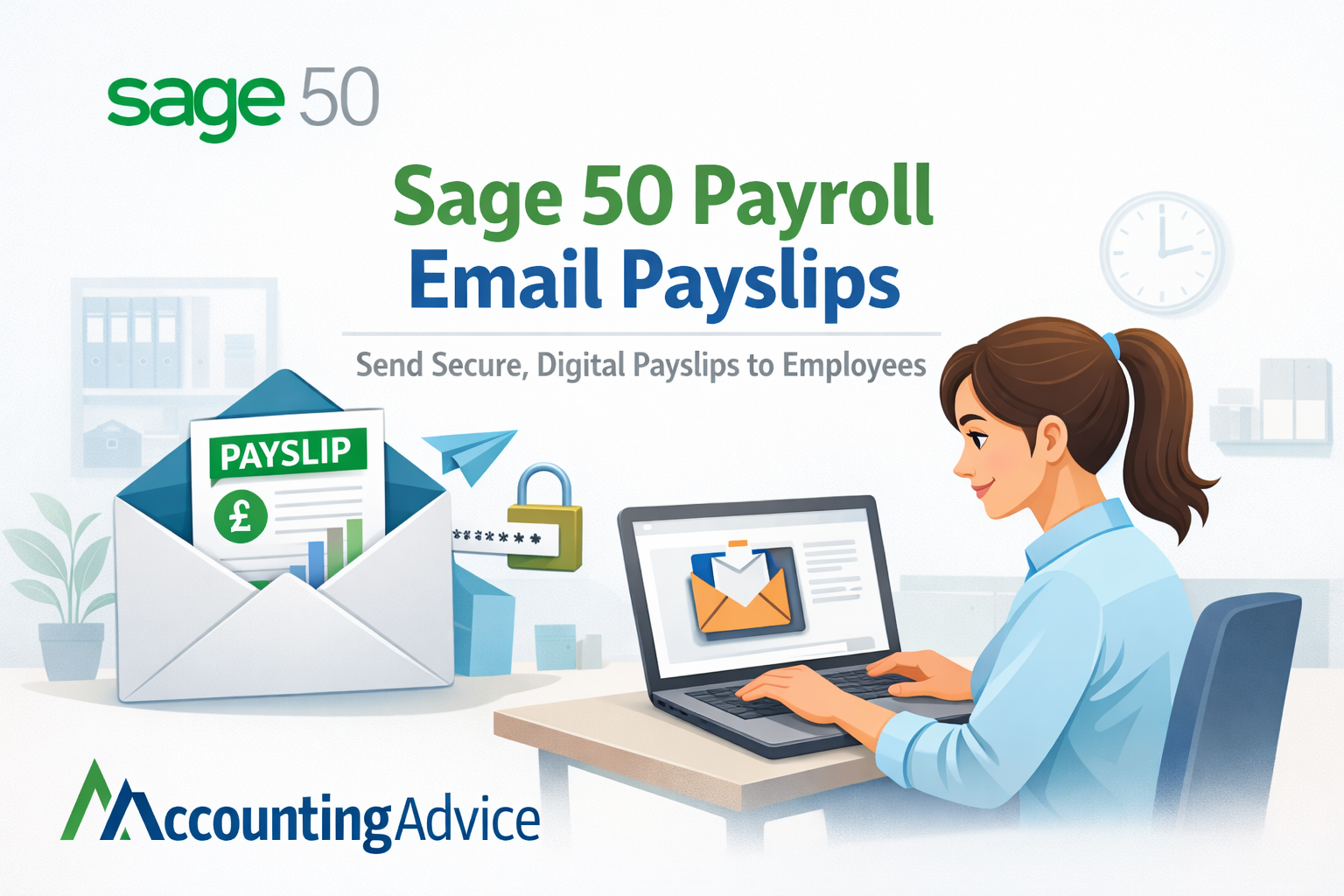
Payroll is one of the most important yet time-intensive processes in any business. With Sage 50 payroll email payslips, companies can eliminate manual tasks and deliver payslips to employees quickly, securely, and efficiently. This feature supports modern business needs by enabling a fully digital and streamlined payroll system.
What Are Email Payslips in Sage 50?
Email payslips in Sage 50 allow employers to send employee payslips electronically via email. After payroll is processed, the software automatically generates payslips and delivers them to each employee’s registered email address.
This eliminates the need for printing, handling, and physically distributing payslips, making payroll faster and more reliable.
Why Choose Sage 50 Payroll Email Payslips?
Businesses are increasingly adopting email payslips for several reasons:
- Automation: Reduces manual effort and speeds up payroll tasks.
- Cost Savings: Eliminates expenses related to paper, printing, and postage.
- Data Security: Payslips can be password-protected to ensure confidentiality.
- Quick Delivery: Employees receive payslips instantly after payroll processing.
- Remote Accessibility: Ideal for employees working from different locations.
Steps to Set Up Email Payslips in Sage 50
You can enable Sage 50 payroll email payslips by following these simple steps:
- Configure Email Settings
Enter SMTP server details and verify your email credentials within Sage 50. - Update Employee Email Addresses
Ensure each employee’s profile contains a valid email address. - Enable Email Payslip Option
In payroll settings, select the option to send payslips via email. - Apply Password Protection
Set a secure password format such as employee ID or date of birth. - Process Payroll and Send Payslips
Once payroll is complete, select the email option to automatically send payslips.
Common Errors and Troubleshooting
While using Sage 50 payroll email payslips, some common issues may occur:
- Emails Not Sending: Check SMTP configuration and internet connectivity.
- Invalid Email Addresses: Verify employee email records.
- Payslips Not Received: Ask employees to check spam or junk folders.
- Password Issues: Ensure the correct password format is being used.
Quick troubleshooting helps maintain a smooth payroll process.
Best Practices for Effective Use
To maximize the benefits of Sage 50 payroll email payslips, consider these best practices:
- Keep employee email information updated regularly.
- Test the system before sending payslips in bulk.
- Use strong password protection for enhanced security.
- Communicate clearly with employees about accessing payslips.
- Maintain backup records for compliance and auditing purposes.
Conclusion
Sage 50 payroll email payslips provide a simple yet powerful way to modernize payroll operations. By switching to digital payslips, businesses can improve efficiency, enhance security, and reduce costs. It’s a smart step toward a more streamlined and paperless payroll system that benefits both employers and employees.
 Portuguese
 English
 Arabic
 French
 Spanish
 Deutsch
 Turkish
 Dutch
Dutch
 Italiano
 Russian
 Romaian
 Portuguese (Brazil)
 Greek
Greek
