


 Ban & Monetization Policy
 MyLiveRoom Rewards Program Rules & Eligibility
How Multi-Factor Authentication Enhances Website Security
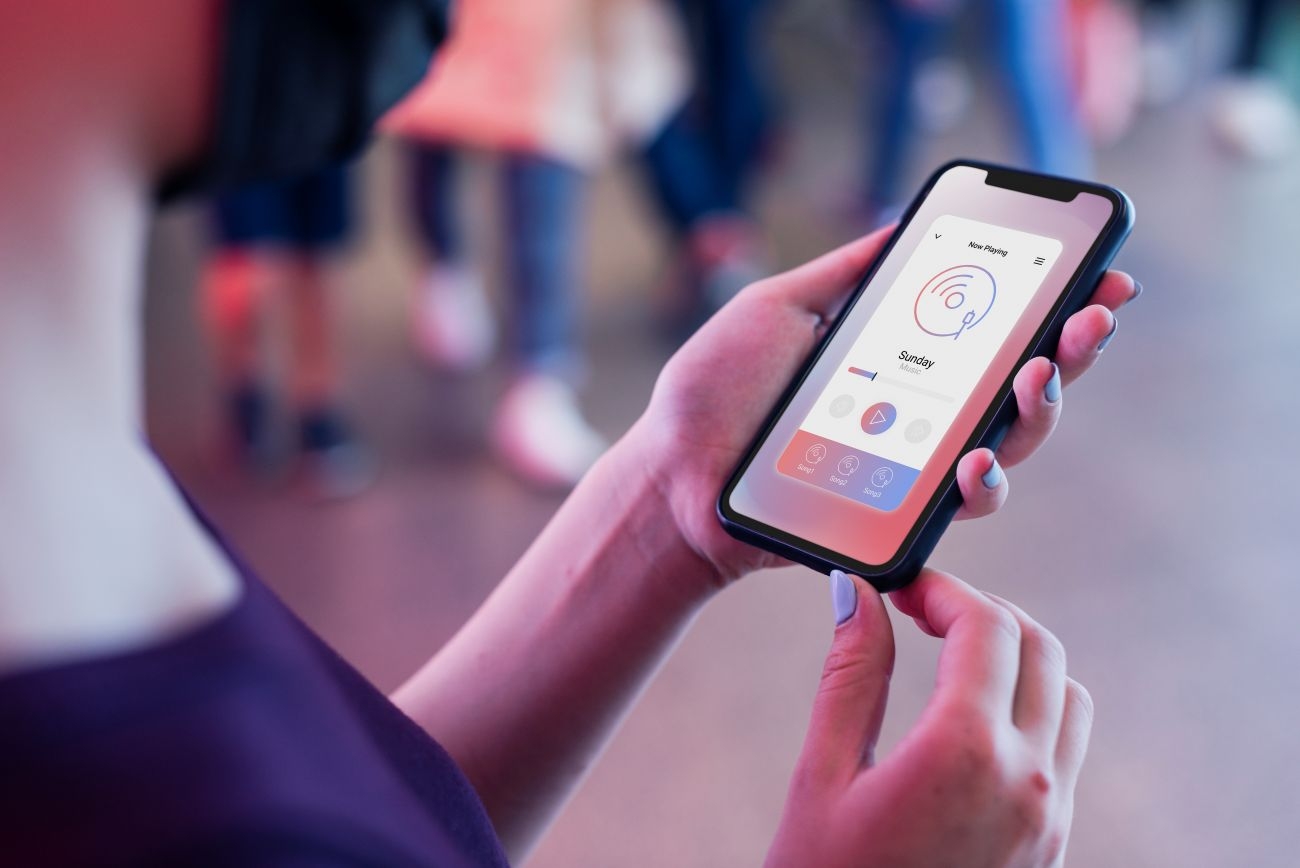
Picture a massive vault storing your most valuable assets. You would never secure it with just a single, easily duplicated key. Yet, millions of businesses protect their sensitive digital data with nothing more than a simple password. When hackers steal that single string of characters, the vault doors swing wide open.
Passwords alone simply cannot protect modern digital environments. Users consistently choose weak phrases, reuse them across dozens of platforms, and easily fall victim to clever phishing scams. Once a cybercriminal grabs those credentials, they walk right through your front door completely undetected. This single point of failure leaves your business and your customers highly vulnerable.
This vulnerability is exactly why security experts champion multi-factor authentication (MFA) as a critical defense layer. Whether you run a small online boutique or oversee massive website development Qatar, integrating robust security measures into your platform is absolutely non-negotiable. MFA acts as a second, completely different lock on your digital vault.
This guide explores how multi-factor authentication completely transforms website security. You will learn the mechanics behind the technology, discover why traditional passwords fail so frequently, and understand exactly why your business must implement MFA to protect user data and build unshakable customer trust.
What Is Multi-Factor Authentication (MFA)?
Multi-factor authentication is a security system that requires users to provide two or more verification factors to gain access to an application, online account, or VPN. Instead of just asking for a password, the system demands additional proof of identity before granting access.
Think of withdrawing money from an ATM. You need your physical bank card, and you need to know your personal identification number (PIN). If a thief steals your card but does not know the PIN, they get nothing. If they guess your PIN but lack the physical card, they still cannot access your cash. MFA applies this exact same logic to your website.
The Three Main Factors of Authentication
To prove identity effectively, MFA relies on three distinct categories of evidence. A strong authentication system combines at least two of these completely different elements.
Something You Know (Knowledge Factor): This represents the traditional method of authentication. It includes information that only the user should know, such as a password, a PIN, or answers to specific security questions.
Something You Have (Possession Factor): This factor requires the user to possess a specific physical item. Common examples include a smartphone that receives a text message, an authenticator app that generates a temporary code, or a physical USB security key.
Something You Are (Inherence Factor): This category involves biological traits unique to the specific user. Fingerprint scans, facial recognition, voice prints, and retina scans all fall under this highly secure factor.
The Growing Problem with Passwords
To understand the immense value of MFA, you must first recognize why passwords fail so frequently. Human behavior naturally undermines password security.
People struggle to memorize complex strings of random letters and numbers. Consequently, they resort to using pet names, birthdates, or easily guessable sequences like "123456." Even when forced to create a strong password, they often use that exact same password across twenty different websites.
When a hacker breaches a poorly secured blog or forum, they steal those passwords. They then use automated software to test those exact same credentials on major banking sites, email providers, and corporate networks. Because people reuse passwords, a breach on one completely unrelated website directly compromises your platform. MFA stops this domino effect immediately.
How MFA Protects User Data and Accounts
Adding just one extra layer of verification drastically reduces the success rate of cyber attacks. Microsoft reports that implementing MFA blocks over 99.9% of account compromise attacks. Here is exactly how this technology stops bad actors in their tracks.
Blocking Automated Brute-Force Attacks
During a brute-force attack, hackers use powerful computers to guess thousands of password combinations every single second until they find the right one. They target specific accounts and relentlessly hammer the login portal.
Without MFA, a successful guess grants the attacker full access. With MFA in place, the guessed password becomes useless. The attacker might figure out the password, but they do not possess the user's mobile phone to receive the secondary verification code. The attack fails, and your system remains secure.
Stopping Phishing in Its Tracks
Phishing remains the most common way hackers steal credentials. They send deceptive emails that look exactly like legitimate messages from a bank or service provider. These emails direct users to a fake login page where they unknowingly hand over their passwords.
MFA neutralizes the threat of basic phishing. Even if a user accidentally types their password into a fraudulent website, the hacker cannot use those credentials. When the hacker tries to log into the real website, the system will send an approval request to the legitimate user's phone. The user will realize someone else is trying to log in, deny the request, and immediately change their password.
Why Businesses Must Implement MFA
Securing your website with MFA goes far beyond just blocking hackers. It actively protects your brand reputation and bottom line. Every business owner should view strong authentication as a vital operational requirement.
Building Unshakeable Customer Trust
Trust serves as the absolute foundation of any successful online business. When customers create an account on your website, they hand over sensitive personal data. They expect you to guard that information fiercely.
When you offer or mandate multi-factor authentication, you send a clear message to your users. You show them that you take their privacy seriously and invest heavily in their protection. This visible commitment to security builds massive credibility and encourages long-term customer loyalty.
Achieving Regulatory Compliance
Governments and industry watchdogs continuously introduce stricter data protection laws. If you operate an e-commerce store, process health information, or handle financial data, you must meet rigorous security standards.
Frameworks like the Payment Card Industry Data Security Standard (PCI DSS) and the Health Insurance Portability and Accountability Act (HIPAA) strictly mandate strong access controls. Implementing MFA helps you meet these compliance requirements, helping you avoid massive fines and potential legal action.
Reducing Costly Security Breaches
A data breach destroys businesses. The costs associated with a breach include forensic investigations, legal fees, customer compensation, and plummeting stock prices. Furthermore, the damage to your brand reputation can take years to repair.
The financial investment required to implement an MFA system pales in comparison to the devastating cost of a successful cyber attack. By preventing unauthorized access, you protect your company from catastrophic financial losses.
Common Types of MFA Methods
If you decide to implement MFA, you must choose the right verification methods for your specific audience. Different methods offer varying levels of security and user convenience.
SMS and Email Codes
The most common form of MFA involves sending a one-time passcode (OTP) via text message or email. When the user enters their password, the system texts a six-digit code to their registered phone number.
While incredibly easy to use, this method carries significant risks. Hackers can intercept text messages or convince telecom companies to transfer a victim's phone number to a new SIM card (a tactic known as SIM swapping). You should offer SMS codes as a basic option, but encourage users to adopt stronger methods.
Authenticator Applications
Authenticator apps, like Google Authenticator or Authy, provide a much stronger defense. These mobile applications generate a new six-digit code every thirty seconds.
Because the code generates locally on the physical device, it never travels across vulnerable cellular networks. Attackers cannot easily intercept it. This method strikes an excellent balance between high security and everyday user convenience.
Hardware Security Keys
For the ultimate level of protection, you can support hardware security keys. These small USB or Bluetooth devices look like standard flash drives. To log in, the user inserts the key into their computer and physically taps a button.
Hardware keys provide near-perfect defense against advanced phishing attacks. The key physically verifies the authenticity of the website before releasing the cryptographic code. If a user lands on a fake phishing site, the hardware key simply refuses to work.
Next Steps for Securing Your Platform
Relying on passwords alone is a gamble your business cannot afford to take. The threat landscape evolves constantly, and cybercriminals continually refine their tactics to steal valuable data.
Multi-factor authentication provides a powerful, highly effective barrier against these attacks. It neutralizes the dangers of weak passwords, blocks automated hacking tools, and completely derails phishing attempts. By adding this vital security layer, you protect your customers, ensure compliance, and safeguard the future of your company.
Take action today by auditing your current login procedures. If you use a modern content management system or web framework, explore the available plugins and modules that enable MFA. Encourage your administrative staff to activate these features immediately, and begin rolling out secondary authentication options to your entire customer base. Securing your digital front door is the smartest investment you can make.
 Romaian
 English
 Arabic
 French
 Spanish
 Portuguese
 Deutsch
 Turkish
 Dutch
Dutch
 Italiano
 Russian
 Portuguese (Brazil)
 Greek
Greek
